How to Create a Wedding Website
A wedding website has quietly become one of the most useful tools in modern wedding planning. It’s where guests find your date and venue, RSVP without a stamp in sight, browse your registry, and get real answers to questions like “is there parking” or “can I bring my kids.” Done well, it also happens to be a genuinely fun creative project, part scrapbook, part logistics hub, and a preview of the celebration to come.
Here’s how to build a wedding website that’s actually useful, plus writing tips and examples to help you fill in the trickiest sections.
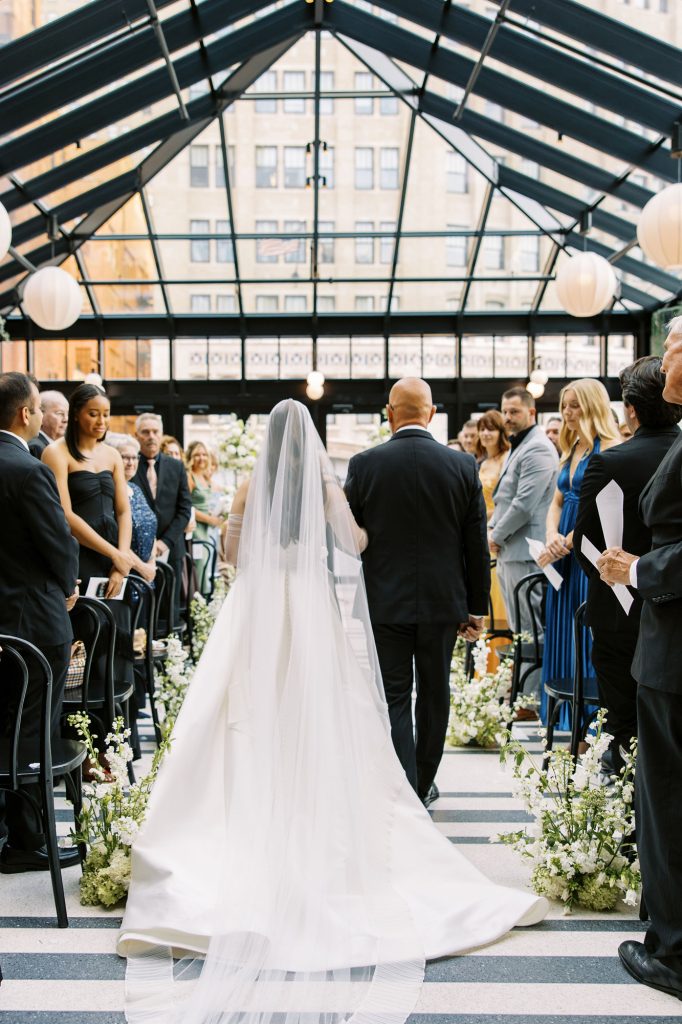
Photo by Samantha Leigh Studios
Do You Actually Need a Wedding Website?
Short answer: almost certainly, yes. Even couples planning a small, low-key wedding benefit from having one central place to send guests instead of fielding the same five questions over text for months. A wedding website is especially valuable if you’re managing RSVPs digitally, hosting a multi-day wedding weekend with several events, marrying at a destination guests will need travel details for, or simply want a home for your registry links, photos, and story in one shareable spot.
What to Include on Your Wedding Website
- The essentials: Your names, the wedding date, ceremony and reception locations with addresses, and an RSVP deadline and method. These belong front and center, ideally visible without guests needing to click into a sub-page.
- Your story: A short “how we met” and engagement story. This is the page guests actually read for fun, so don’t skip it even if it feels a little indulgent to write about yourselves.
- Schedule of events: If you’re hosting a welcome party, rehearsal dinner, ceremony, reception, or farewell brunch, lay out the full weekend timeline so guests know what’s optional and what’s not.
- Travel and accommodations: Nearby hotels (including any room block you’ve reserved), airport information if guests are flying in, and parking or rideshare guidance.
- Registry links: Even if you’re registered across multiple stores, most wedding website platforms let you link out to each one from a single page.
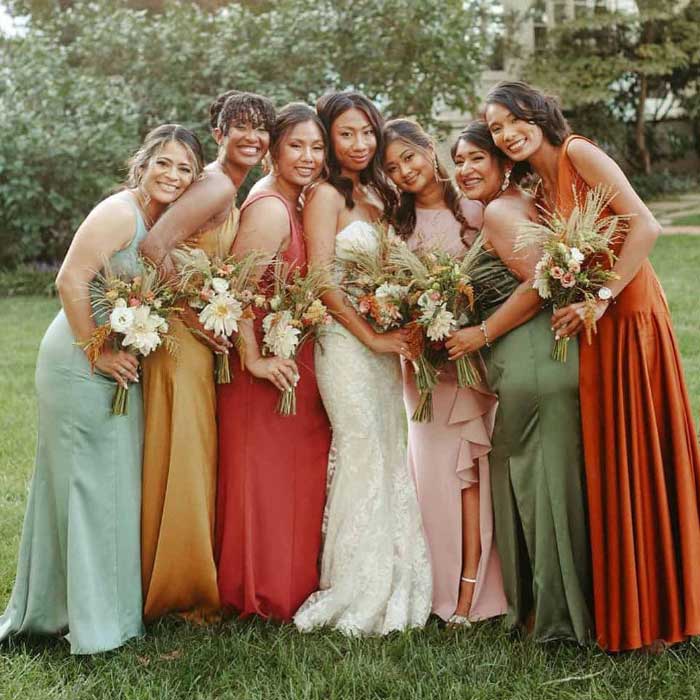
- Wedding party: A fun, optional page introducing your bridesmaids, groomsmen, or wedding party with a photo and a short blurb about how you know them.
- FAQ page: This is the page that saves you the most repeated texts. Cover things like dress code, plus-one policy, whether kids are invited, gift-giving preferences, and any other details you find yourself explaining more than once.
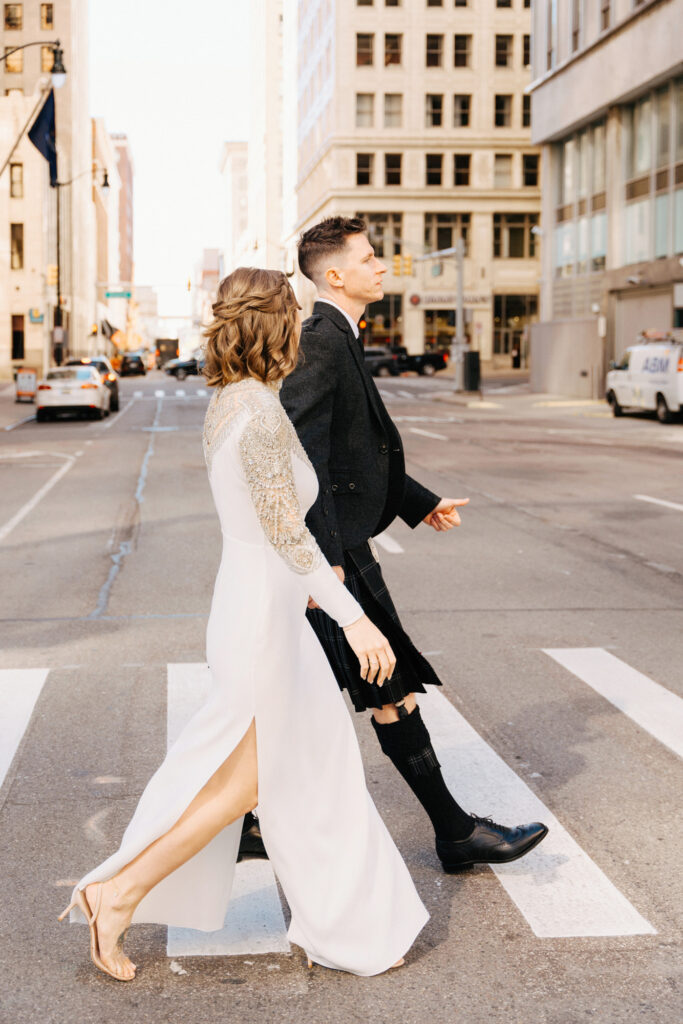
Photo by Heather Jowett Photography
Wedding Website Writing Tips
Your wedding website doesn’t need to sound formal, and honestly, it shouldn’t. Write it the way you’d actually talk to your guests: warm, a little playful, and unmistakably you. A few tips to make the writing feel natural rather than stiff.
- Write your “our story” section like you’re telling a friend, not filling out a form. Skip “we met in 2019 and started dating shortly after.” Instead, give a small, specific detail: where you actually met, an early moment that made you realize this was different, how the proposal happened. Specificity is what makes these sections fun to read.
- Keep the FAQ page conversational and direct. “Can I bring my kids?” deserves a warm, clear answer, not a vague dodge. If it’s an adults-only wedding, say so plainly and kindly: “As much as we love your little ones, we’re keeping our celebration adults-only so everyone can relax and enjoy the night.”
- Don’t over-explain your registry. A simple line like “Your presence is truly the best gift, but if you’d like to give something, here’s where we’re registered” covers it without feeling transactional.
- Match your website’s tone to your wedding’s vibe. A formal black-tie wedding can carry slightly more polished language, while a laid-back backyard celebration can (and should) sound more casual and fun throughout.
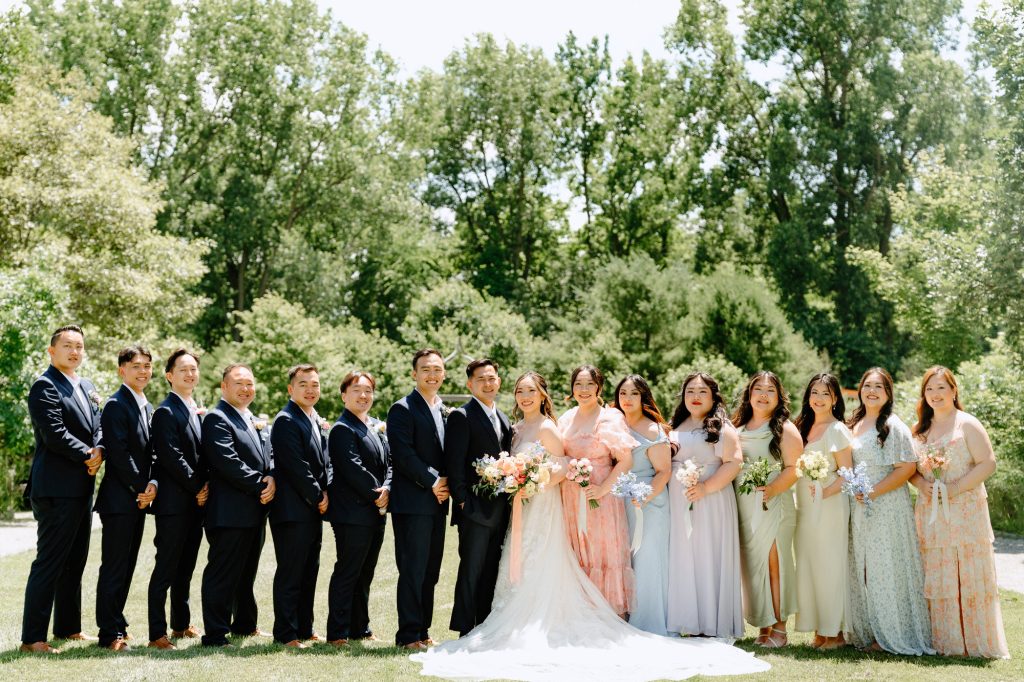
Photo by Shoua Lor Photography
Choosing a Wedding Website Platform
Most couples build their site through a free or low-cost wedding website builder rather than starting from scratch. Popular platforms like The Knot, Zola, Joy, Minted, and Appy Couple each offer templated designs, built-in RSVP tracking, and registry integration, so you’re choosing largely based on design style and which extra features (guest messaging, a mobile app, custom domains) matter most to you. If you want something more custom, a simple one-page site built on Squarespace or a similar builder gives you full design control, though you’ll likely need to handle RSVP tracking separately.
Whichever platform you choose, a few practical tips: pick a URL that’s easy to say out loud (most platforms let you customize the link), preview your site on mobile since most guests will view it on their phone, and test the RSVP flow yourself before sending it out to catch any confusing steps early.
When to Share Your Wedding Website
Include your website link on your save-the-date so guests have it early, even before all the details are finalized, and again on your formal invitation once your RSVP and registry sections are live. Update it as details firm up (hotel blocks, timeline, registry additions) and consider sending a short reminder a few weeks before your RSVP deadline pointing guests back to the site.
Photo by Double Exposure Photography
Frequently Asked Questions
Is a wedding website necessary?
It’s not required, but it’s one of the most useful modern planning tools, especially for managing RSVPs, sharing travel details, and answering common guest questions in one place instead of repeating yourself constantly.
When should you launch your wedding website?
Have a basic version live before you send save-the-dates, even if some sections are still in progress, so guests have a home base from day one. Fill in remaining details as they’re confirmed.
Should you put your wedding website on your formal invitation?
Yes, most couples include the website URL on the invitation itself or on an included insert card, alongside RSVP instructions.
What’s the most important page on a wedding website?
The homepage with your date, location, and RSVP information, followed closely by your FAQ page, which fields the vast majority of guest questions before they ever need to ask you directly.
Photo by Shanell Photography
Build the Site, Then Build the Rest of Your Day
A well-built wedding website saves you countless repeated conversations and gives your guests a genuinely exciting preview of what’s ahead. Keep it warm, keep it clear, and update it as your plans take shape.
Once your website is live, keep the planning momentum going with Nearlywed’s wedding budget planner and our Michigan wedding vendor directory to book the rest of your dream team.
you might also like
Check Out The Latest on Instagram
Check Out The Latest on Instagram
Follow us on Facebook and Instagram for more tips, resources, and inspiration!